
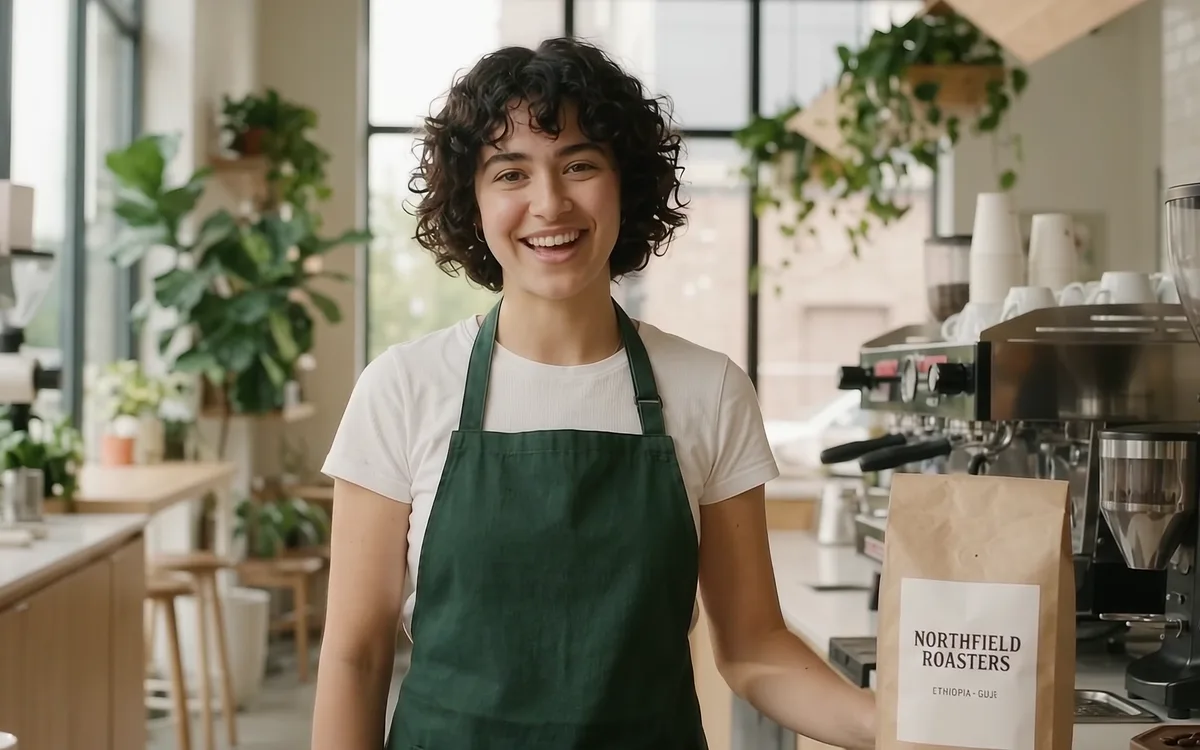
Product and brand ads
Product shots and the presenter as references keep the brand name and colours steady on camera; dialogue and sound go in the prompt.
Gemini Omni 1.2 Flash is the video generation and editing model Google released in November 2026. One API covers text to video, first frame, first + last frame, reference images and video editing, with dialogue, sound effects and music generated together with the picture. On KovAPI it is gemini-omni-1.2-flash, billed per second.
Try out Gemini Omni 1.2 Flash right here (available after login).
Every preview below comes from one of this page's examples. "Full example" opens the original with sound, the prompt and the settings; "Related examples" lists other clips that use the same ability.
Put a 1-15 s video in video_urls and say what to change. Turn it into anime, change only the words on a sign, make something disappear; what you do not mention stays as close to the source as possible. Up to 5 reference images can show what to add. Billed by the source seconds.
Up to 3 reference images, one for each person, pet or product. The coffee ad used a barista and a coffee bag; in the clip the barista and the words on the bag match the references.
One image as the first frame and the clip starts from it; two images as first + last frame and the model makes the move in between. Both go up to 10 s.
Put the words in quotes and Omni writes them into the picture as given. The street clip got the sign, the storefront and the number plate right in one go; an edit can change just one of them.
Pick any whole number of seconds and time the story with a timecode such as [0-5s]; 720P, 1080P or 4K, landscape 16:9 or portrait 9:16, with sound in every clip.
Product shots and the presenter as references keep the brand name and colours steady on camera; dialogue and sound go in the prompt.
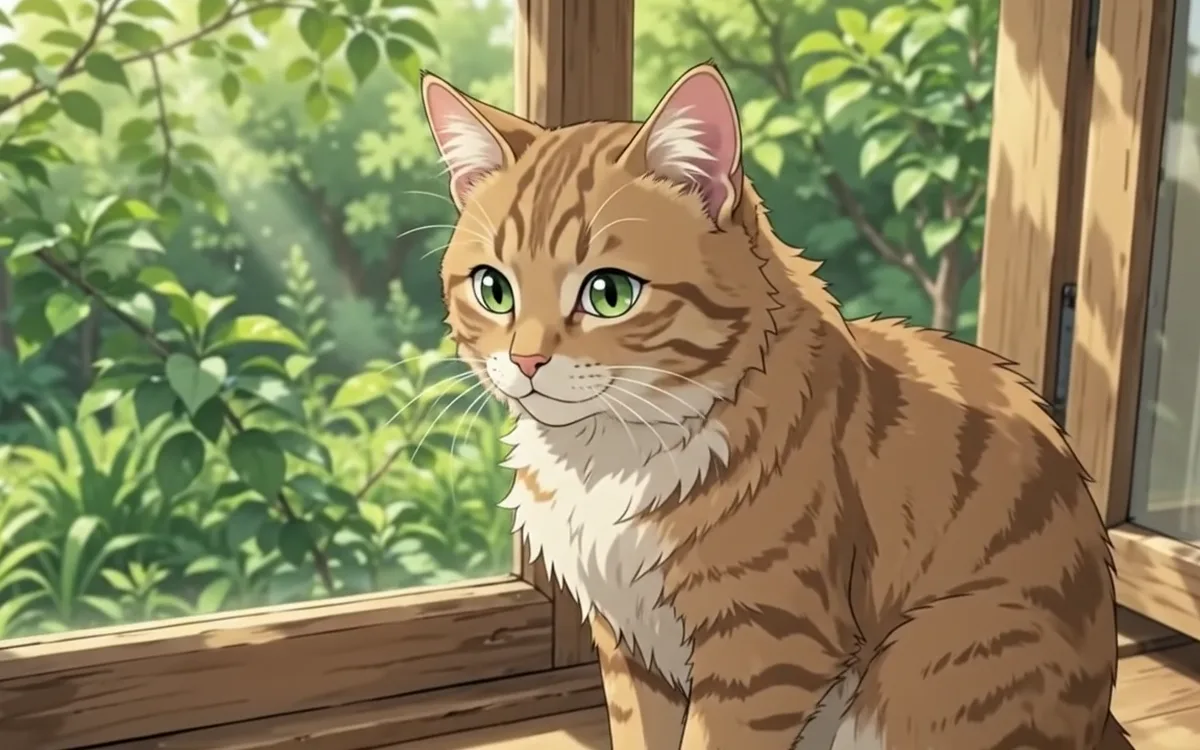
Restyle a clip, relight it or change its text without generating it again, handy for testing ad variants.
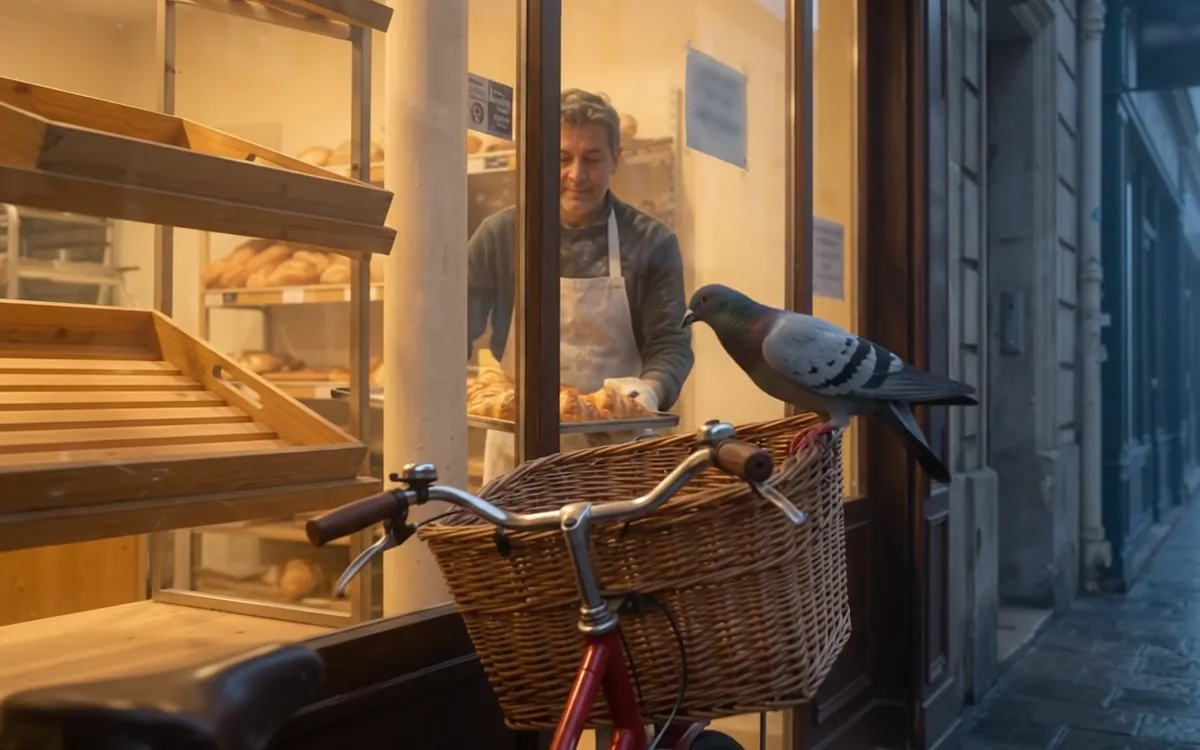
Use a product shot, street photo or illustration as the first frame, describe the camera and the action, and get a clip that opens on it.
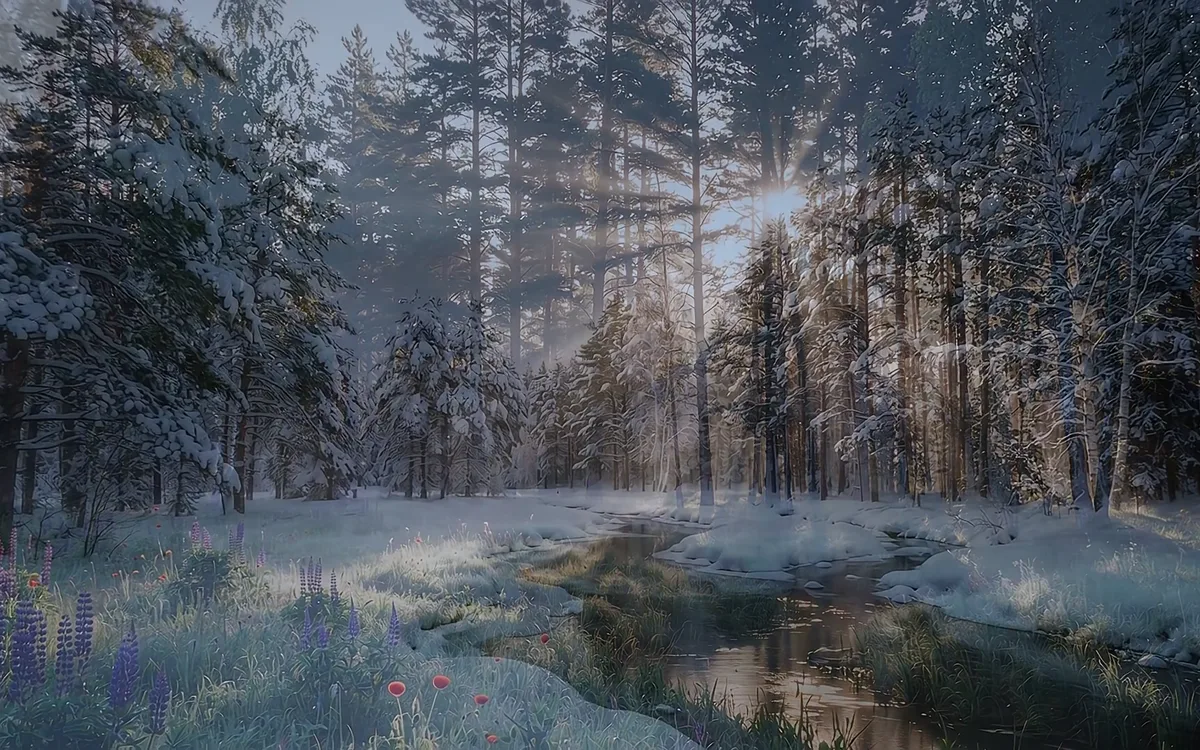
Give a start and an end picture for a move between seasons, day and night, or two scenes.
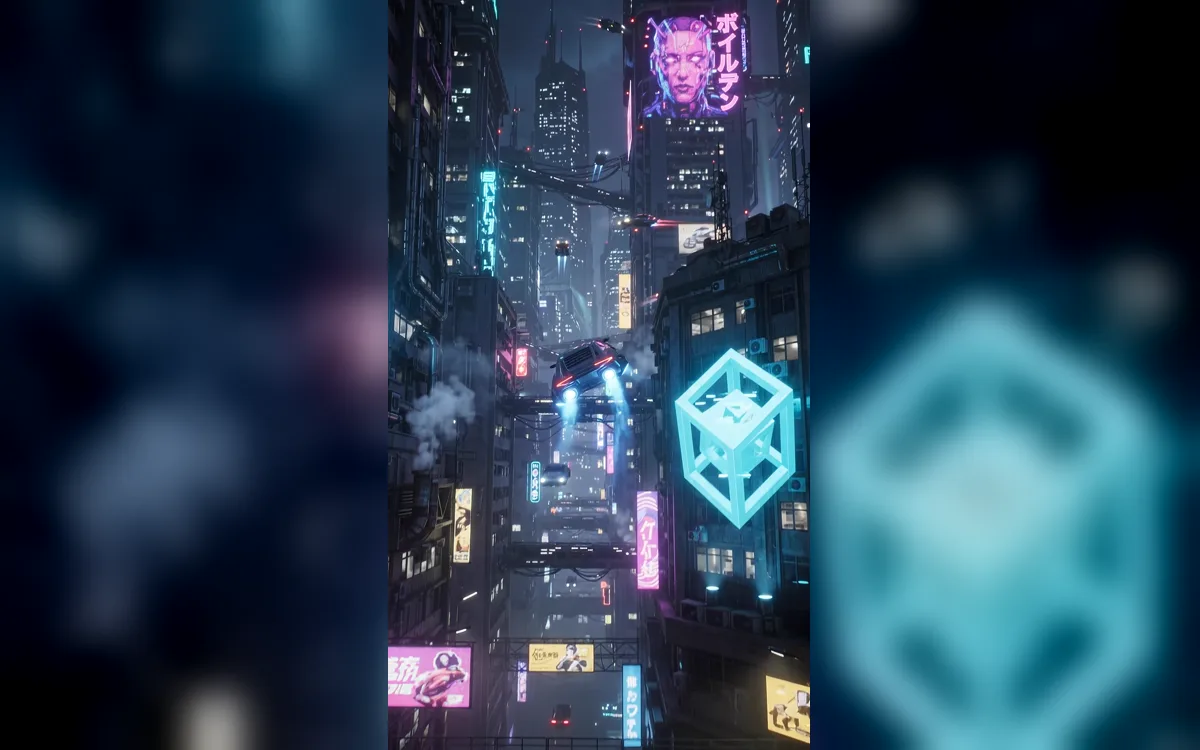
9:16 straight away, up to 4K, for openers and mood shots on short-video platforms.
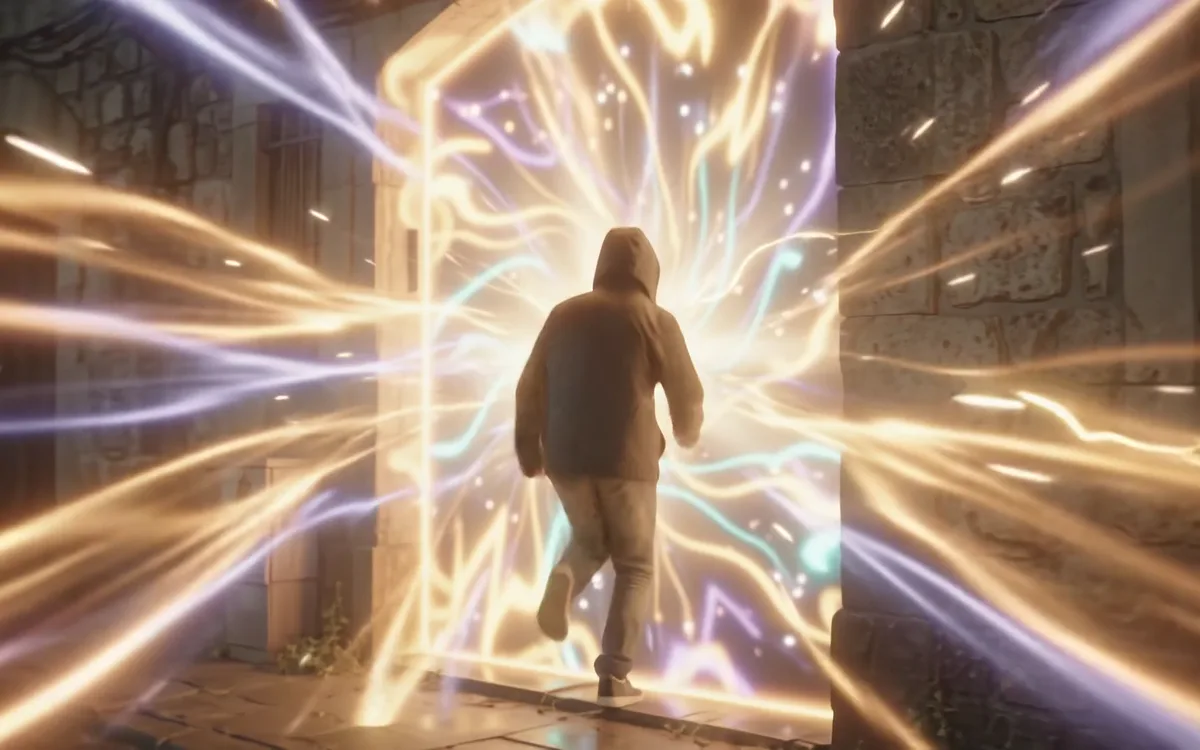
Split a clip into beats with a timecode, check the rhythm and the shots, then decide what to film or polish.
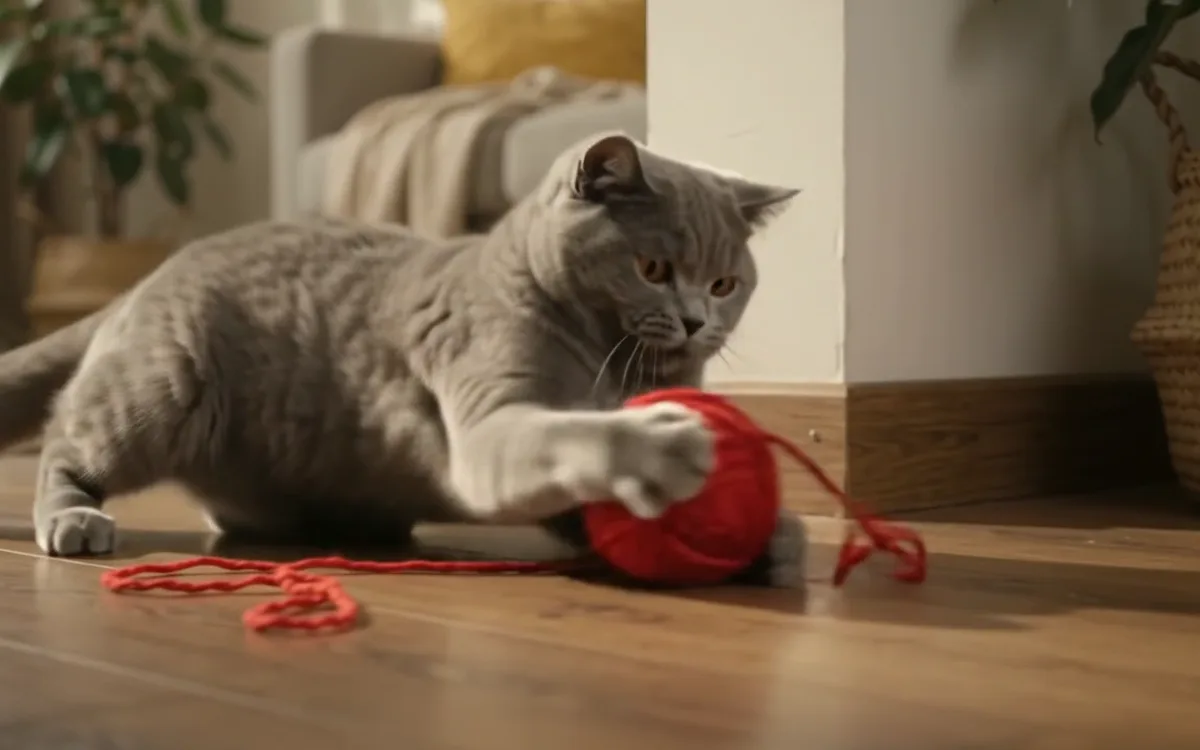
Photos of a pet or an object as references put them into a new scene.
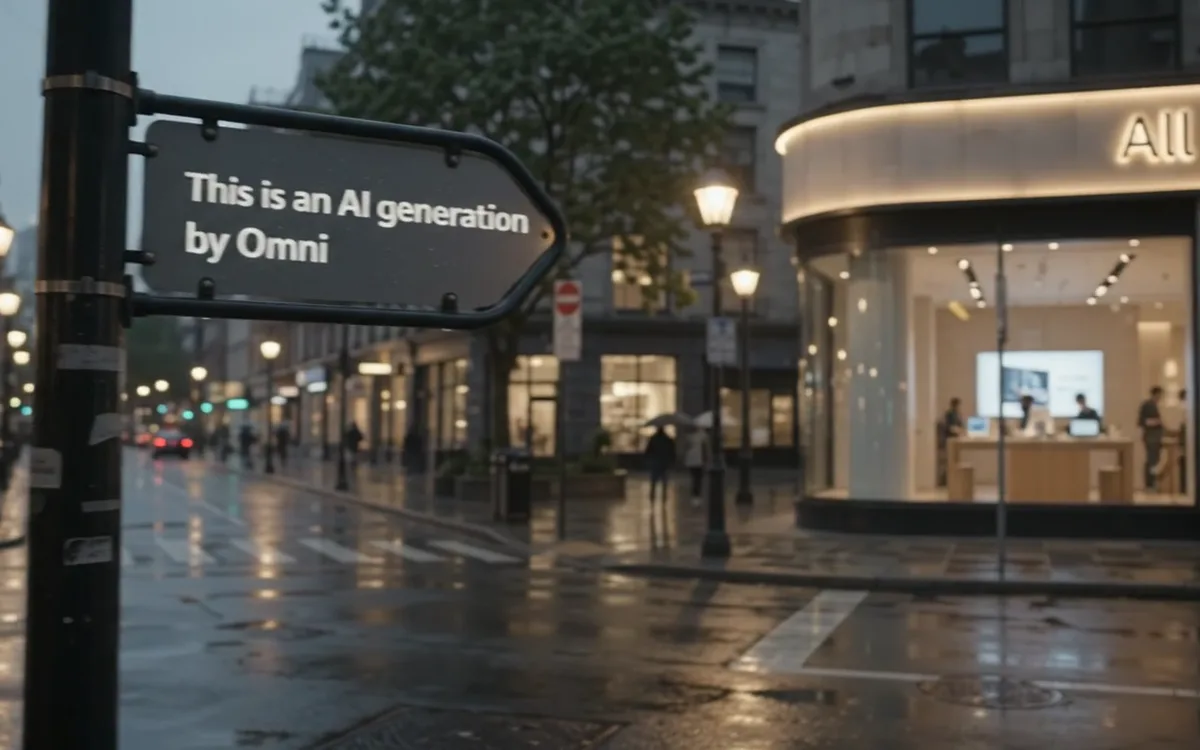
Quote the words that must appear, for shop fronts, events and product shots.
gemini-omni-1.2-flashPOST https://kovapi.com/v1/videos/generations → GET https://kovapi.com/v1/videos/jobs/{id}Every mode shares model (gemini-omni-1.2-flash), prompt, resolution and size. Images go in images, and image_role says whether they are a first frame or references; a source video goes in video_urls. In the prompt, @Image1, @Image2 name the images in upload order.
| Mode | Send | You get | Limits |
|---|---|---|---|
| Text to video | Only prompt and the output settings; duration in whole seconds. | Picture, camera and sound from the text; put dialogue, music and sound effects in the prompt. | 3-15 s; 10 s when duration is left out. |
| First frame | One image in images. A single image is the first frame by default; you can also set image_role: first_frame. | The clip opens on that image and goes on with the motion and camera the prompt describes. | Up to 10 s. |
| First + last frame | Two images in images with image_role: first_frame: image 1 is the first frame, image 2 the last. | A move from the first picture to the second; the motion and camera in between follow the prompt. | Up to 10 s. |
| Reference images | Images in images: two or three are references by default; a single one needs image_role: reference. Say in the prompt who or what each image is. | The people, pets, products or style in the images appear in a new scene, not as a frame of it. | Up to 3 images, 3-15 s. |
| Video editing | One source video (mp4 / mov) in video_urls and a prompt saying what to change; add reference images if you like and name them @Image1. | A new look, changed text, objects added or removed, as asked; what the prompt does not mention stays as close to the source as possible. | Source 1-15 s, up to 5 reference images; the output is as long as the source and billed by its seconds. |
image_role: reference; for a first + last frame, send two images with image_role: first_frame. With a source video, every image is a reference.duration does not apply: the output is as long as the source, and a part past the last whole second is cut (a 4.5 s video is edited and billed as 4 s). Without size, the edit keeps the source's orientation. An edit cannot take first or last frames.@Image1, @Image2 follow upload order. When generating, the tag is passed to the model as words such as "reference image 1"; when editing, it is bound to that exact image, and images the prompt does not name are passed along too.audio: false is refused. Write what you do not want into the prompt, such as "No dialogue" or "No music"; negative_prompt and system_prompt are refused without charge.Based on Google's Gemini Omni Flash prompt guide: fix the shot and the subject first, then motion, light and sound; when editing, write only the one thing to change. The example lines below come from that guide and are the prompts this page's examples actually sent.
By default Omni cuts between a few shots and builds a little story. For a single continuous shot, write "In a single continuous shot" or "No scene cuts".
Tabby cat original: "Continuous, unbroken handheld shot of a fluffy tabby cat…"
Leave sound out and the model picks a track for you. Give music a genre and a mood, put ambience and dialogue in too, and quote every spoken line.
Tabby cat original: "Sound design: Gentle breeze, distant bird chirps."
negative_prompt is not available; put exclusions in the prompt itself, such as "No dialogue", "No embellishments", "No extra sound effects".
Last line of the tabby cat original: "No dialogue."
Short edit prompts work best; a long description can change things you meant to keep. When changing one detail, add "Keep everything else the same".
Sign original: "Change the text on the sign to say "Omni Flash""
Natural language such as "After 3 seconds…" or "At 5s…" works, and so does a timecode like [0-5s]; use it for your own cuts and rhythm.
Portal original: "[10-15s] They start running into the portal"
Omni writes text correctly and legibly. For signs or plates that would appear in the scene anyway, put the words you want in quotes.
Street original: "there's a car with the number plate: "OMNI1.2""
Google's "meta prompting": ask for micro-detail, expression and timing, describe characters like a costume designer, and be specific about background elements.
Google's guide: "Be extremely detailed in your descriptions of characters and environments."
Use a sharp image and describe the camera move, the subject's action and the setting changing; that beats "make it move". If the image is only a sketch or a reference, say so, or it may be taken as the first frame.
Bakery (written to the guide): "The camera slowly pushes in toward the bakery window."
Fix the shot first: continuous, handheld, one take.
Original: "Continuous, unbroken handheld shot"
Who the subject is, where, looking at what.
Original: "of a fluffy tabby cat sitting on a sunny windowsill, looking out into a leafy garden."
Small movements bring the frame to life; the subject need not do much.
Original: "The cat's tail twitches slowly, and its ears rotate slightly toward ambient noises."
One sentence for light and mood.
Original: "Sunbeams illuminate dust motes in the air."
A line of its own for ambience; quote any dialogue.
Original: "Sound design: Gentle breeze, distant bird chirps."
What you do not want, last.
Original: "No dialogue."
In a single continuous shot, [shot size and camera move] of [subject] in [setting].
[0-4s] [first action]
[4-8s] [second action]
[8-10s] [closing image]
Lighting: [light and colour].
Sound design: [ambience, sound effects]. [Character] says: "[line]"
No subtitles. [No music / No dialogue]
Billed per second, shown next to Google's list price; the playground quotes each job before you submit it.
| Resolution | Gemini Omni 1.2 Flash |
|---|---|
| 720P | $0.035/sGoogle list price $0.07 · 50% below list |
| 1080P | $0.05/sGoogle list price $0.104 · 51% below list |
| 4K | $0.10/sGoogle list price $0.209 · 52% below list |
Lengths, resolutions, reference limits and prices below are live. Omni 1.2's reference limit is for generation; an edit can take 5 images.
| Model | Length (s) | Resolution | Refs image / video / audio | Price | Good for |
|---|---|---|---|---|---|
Gemini Omni 1.2 FlashThis pagegemini-omni-1.2-flash |
3–15 | 720P / 1080P / 4K | 3 / 0 / 0 | from $0.035/s | Editing an existing video with one sentence, or short clips that need accurate on-screen text, 4K, or a length to the second. |
Gemini Omni Flashgemini-omni-flash |
6 / 8 / 10 | 720P / 1080P | 3 / 0 / 0 | from $0.035/s | Projects already working on the previous generation: 6 / 8 / 10 s, 720P / 1080P, same price as 1.2. |
Veo 3.1veo-3.1 |
8 | 720P / 1080P | 3 / 0 / 0 | $0.20/clip | Fixed 8-second clips billed per clip. |
Seedance 2.5seedance-2.5 |
4–30 | 480P / 720P / 1080P | 30 / 10 / 10 | from $0.10/s | Lots of references in one job (images, videos and audio together), or story clips up to 30 s. |
Wan 3.0wan3.0-video |
4–30 | 480P / 720P / 1080P | 10 / 5 / 5 | from $0.04/s | Reference video or audio, or video from a document or web page, up to 30 s per clip. |
MiniMax H3minimax-h3 |
4–15 | 480P / 768P / 1080P | 9 / 3 / 3 | from $0.015/s | Batches of short clips: draft at 480P / 768P, then render 1080P; first + last frame, and reference mode takes reference audio and video. |
Grok Imagine Video 1.5grok-imagine-video-1.5 |
4–15 | 480P / 720P | 7 / 0 / 0 | $0.30/clip | 480P / 720P clips billed per clip, with up to 7 reference images. |
If another model already gives you stable results, run the same inputs and criteria through both and compare picture, motion, sound, render time and real cost before switching.
Log in to KovAPI and create a key in the console; one key works for every model on the site.
Sign up for KovAPIPick length, resolution and aspect ratio, upload images or a source video if you need them, and see the live quote before you submit.
Open the playgroundSend gemini-omni-1.2-flash to POST /v1/videos/generations; keep the job id from the HTTP 202. The docs have complete request examples.
Poll the job id, or set callback_url when submitting. On success, download the MP4 from data[0].url; results are kept 7 days, so save them in time.
720P is 50% below Google's list price, 1080P 51% and 4K 52%; video editing costs the same per second. The playground shows the price of each job before you submit it.
A failed render refunds the reserved cost in full; when the upstream is busy or errors, the system retries for you, so you write no retry logic.
Accounts have no concurrency limit, so submit batches as they are; at peak times jobs queue, the API returns queue_position and eta_seconds, and a webhook can tell you when they finish.
Submitting, polling and webhooks work the same for every video model on the site; change model to send the same prompt to Seedance, Wan, Veo and others for a comparison.
Sign up with email, Google or GitHub; top up by WeChat Pay, card, PayPal or USDT; pay as you go with no monthly fee. The same key also calls the chat and image models on the site.
Dates are Google's release dates; what you can do on KovAPI today is in the modes table above.
Announced at Google I/O as the first model of the Omni family: video from text, images and video, edited through conversation, first in the Gemini app and YouTube Shorts.
Developers could call the preview in the Gemini API: 3-10 s at 720P, text to video or animating a still, then editing the result.
The GA release added first + last frame and resolutions up to 4K (1080P and 4K are upscaled). Gemini Omni Flash on KovAPI is this generation: 6 / 8 / 10 s, 720P / 1080P.
Any length from 3 to 15 s; people, outfits and packaging text from reference images hold better, with more natural dialogue and lip-sync; Google's list price is 30% below 1.1. Google says requests to 1.1 move to 1.2 automatically from 2026-12-03.
gemini-omni-1.2-flash: text to video, first frame, first + last frame, reference images and video editing, with sound in every clip.duration is left out. First frame and first + last frame: up to 10 s. An edit is as long as its source video.images. First + last frame: two images in images with image_role: first_frame; image 1 is the first frame, image 2 the last. Both go up to 10 s.@Image1, @Image2…; say in the prompt who or what each one is, e.g. "The woman from the first image".video_urls and say what to change, e.g. "Make this video anime". For a single change, add "Keep everything else the same". To add something specific, attach a reference image and name it @Image1.duration does not apply to edits.audio: false is refused. Write "No music" or "No dialogue" to keep only ambience; for a silent asset, drop the audio track after downloading.Explore other models you can integrate.

Google's next-generation video model · 6 / 8 / 10 s
Text / image / first-last frame / references · 8 s

Text / image to video · up to 30 seconds
One endpoint, five modes · up to 30 seconds
480P / 768P / 1080P · first & last frame · omni reference · native audio
Have a question, partnership idea, or feedback? Feel free to reach out.
lz15526267716Scan with WeChat, or search for the ID
